From Watch Face to Prayer in One Tap

You download a prayer app. You use it twice. Then it disappears into a folder on your third home screen — and you never open it again.
Sound familiar? You're not alone. Most apps fail not because they're bad, but because they're inconvenient. And prayer apps have an even harder challenge: you need to use them five times a day.
Five times. Every day. That's 35 times a week.
If opening the app takes more than a few seconds, you'll stop using it by day three. Unlock phone, find the app, wait for it to load, navigate to the right screen, tap start — by then, the iqamah has already started.
Prayer Memory was designed around one principle: get out of your way.
The Problem with Most Prayer Apps
Think about what it takes to open a typical prayer app:
- Pull out your phone
- Unlock it (Face ID, passcode)
- Find the app (which page was it on?)
- Open it
- Navigate to the right feature
- Tap start
That's 6 steps before you even begin. During Dhuhr at work, with colleagues around. During Maghrib when the sun is setting, those seconds matter. At Fajr when you're half asleep, you're not going to do it.
The fastest way to track prayer shouldn't require unlocking anything.
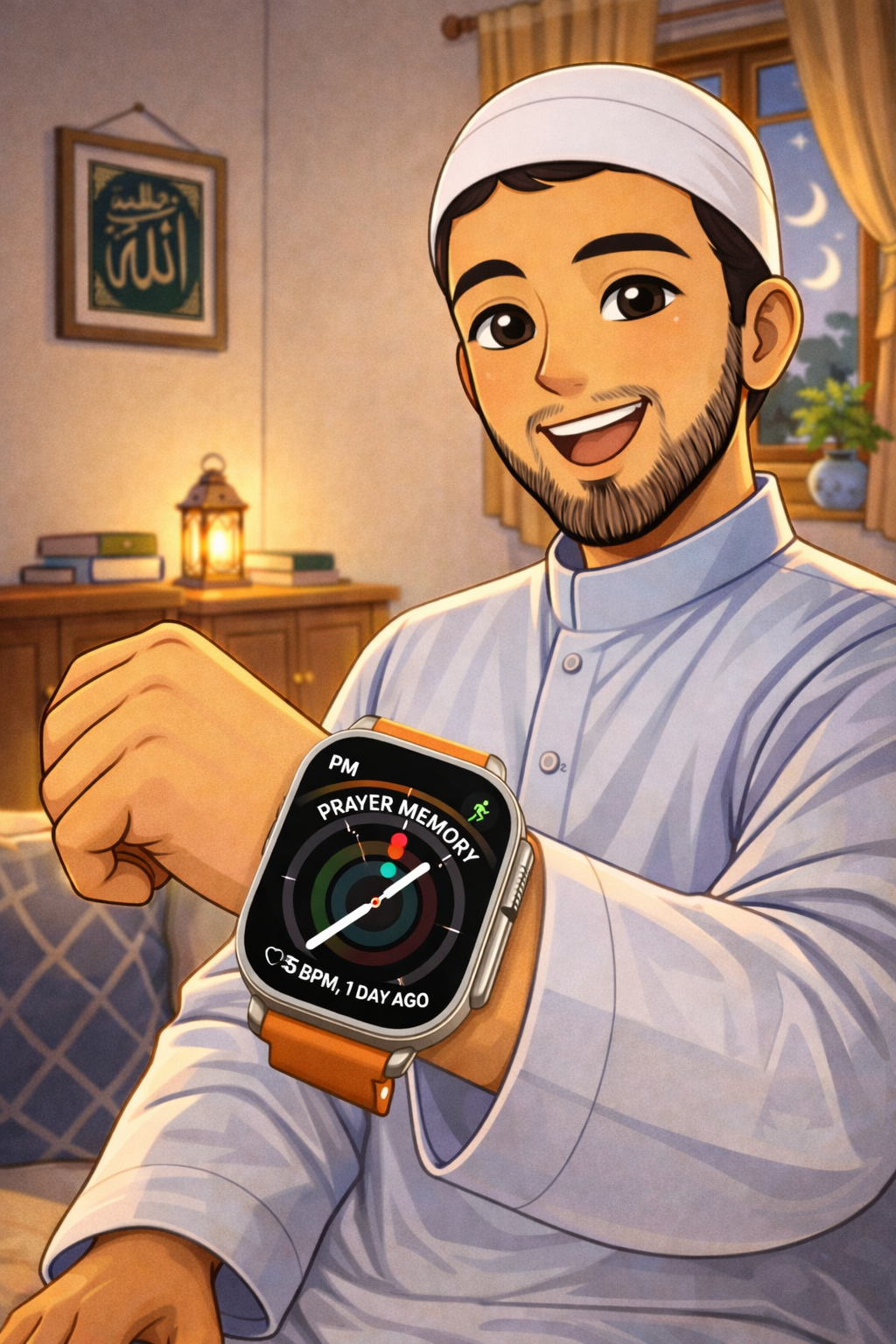
Apple Watch Complication: Raise, Tap, Pray
If you own an Apple Watch, this changes everything.
Prayer Memory has a watch complication — a small icon that sits directly on your watch face, permanently. It's always there. No searching, no scrolling, no app grid.
Here's the flow:
- Raise your wrist
- Tap the complication
- You're in the app
Three seconds. That's it. You're on your prayer mat, you raise your wrist, tap once, and the counter is ready. No phone needed at all.
It works on every watch face: circular, rectangular, corner, inline. Pick whatever face you use daily and add Prayer Memory to it.

iPhone Lock Screen Widget: No Unlock Required
Not everyone wears an Apple Watch. That's fine.
On iPhone (iOS 16+), Prayer Memory has a lock screen widget. It sits right on your lock screen — visible every time you pick up your phone.
- No unlocking — tap it straight from the lock screen
- No searching — it's always visible
- No waiting — launches instantly
You can also add it to your home screen as a standard widget. But the lock screen placement is the real power move — it turns your phone into a one-tap prayer launcher.
Think about it: you pray five times a day. Your lock screen is the first thing you see when you pick up your phone. Put Prayer Memory there, and it's impossible to forget.
Designed for Practicing Prayer Anywhere
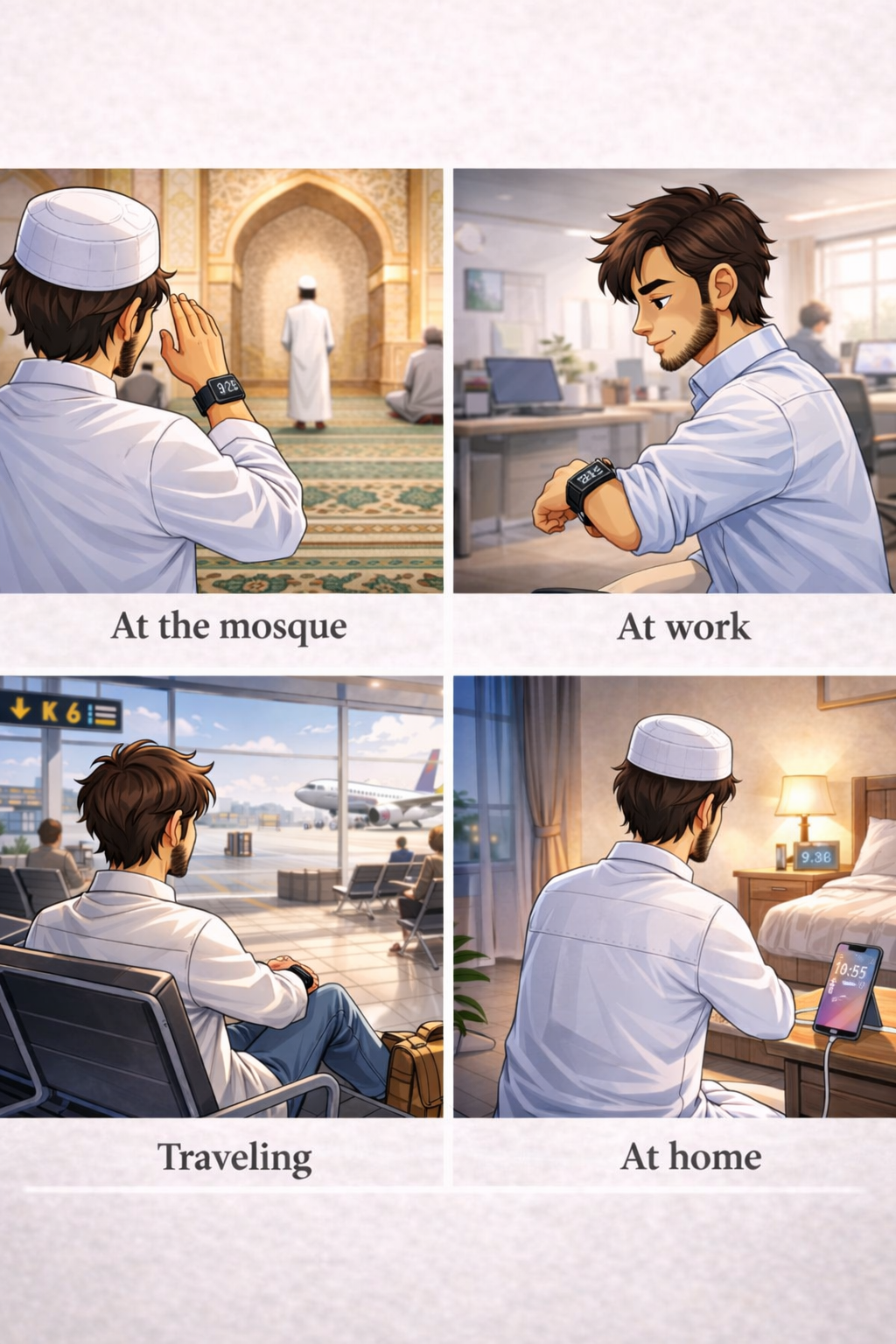
Prayer doesn't wait for convenience. It happens in real places, at real times, with real constraints:
- At the mosque: your phone is in your pocket or on silent. Your watch is on your wrist. Raise, tap, pray. Nobody sees anything, nobody is distracted.
- At work: Dhuhr time, you step away for 5 minutes. No need to pull your phone out in front of colleagues. Just your watch.
- At home: your phone is charging in the other room. The lock screen widget was the last thing you saw. Or just use your watch.
- Traveling: prayer time at the airport, at a rest stop, in a hotel room. Prayer Memory works completely offline. No internet, no account, no login. Just open and pray.
The app meets you where you are — not the other way around.
The same raise-and-tap convenience carries over to dhikr, too — the tasbih counter on your watch face counts with the Digital Crown, no phone required.
The Small Details That Matter
Quick access gets you in the door. But the details keep you there:
- Screen stays on during prayer. No auto-lock timeout interrupting your salah. The display stays active until you're done.
- Silent haptics only. No sounds. No alerts. Just a vibration on your wrist to mark each rakah. Do Not Disturb friendly.
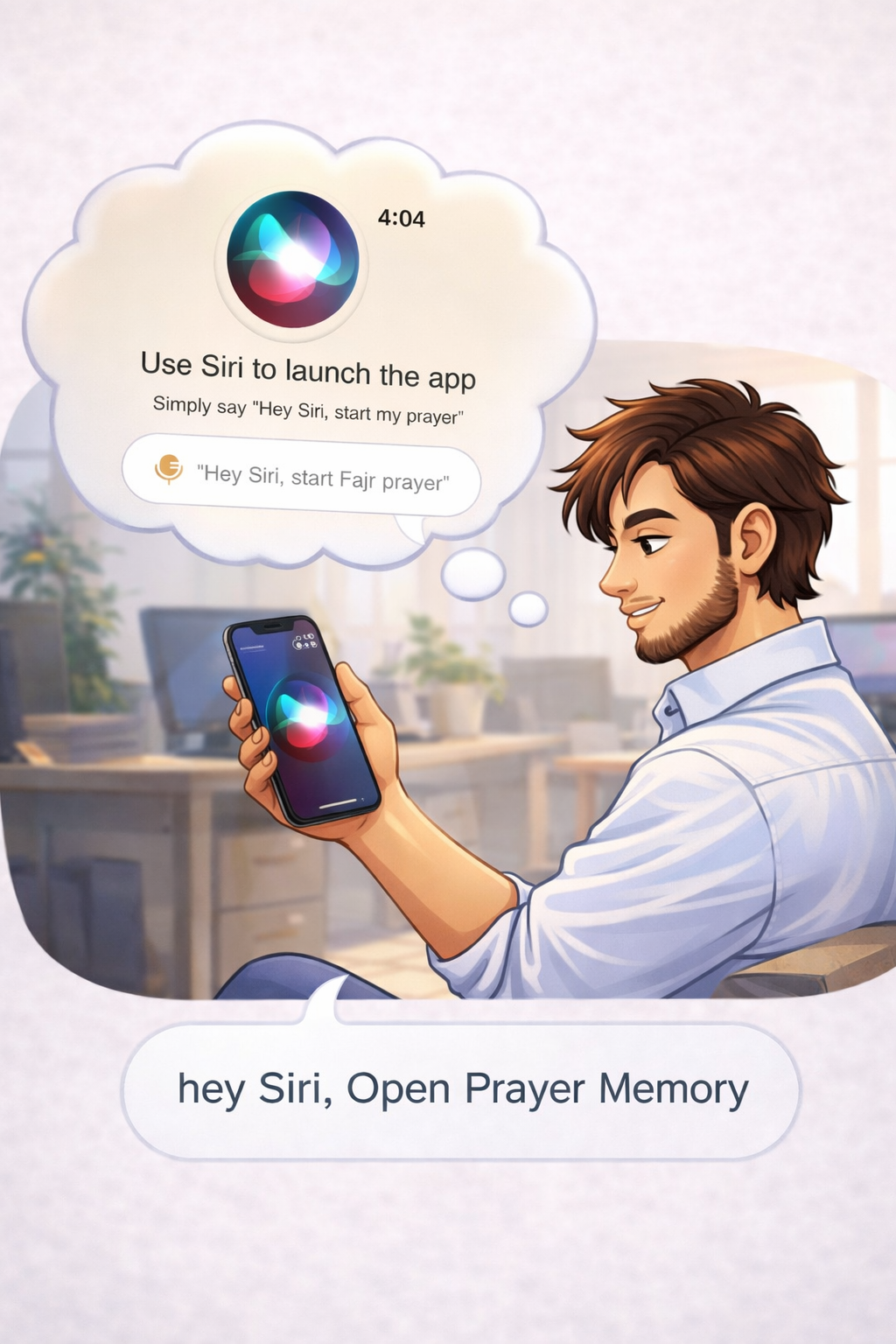
- Siri integration: "Hey Siri, start my prayer" — hands-free activation when your hands are occupied with wudu or setting up your prayer space.
- iCloud sync. Start tracking on your watch, check history on your phone. Everything syncs automatically across your devices. No setup required.
- Works offline. All core features run without internet. Your prayer data stays on your devices. No account, no login, no cloud dependency for basic use.
Consistency Starts with Accessibility
Here's the truth: the best prayer app is the one you actually use.
Not the one with the most features. Not the one with the prettiest design. The one that's there when you need it — instantly, silently, without friction.
If you can open it in one tap, you'll use it five times a day. If you use it five times a day, you'll build a habit. And a consistent prayer habit is the whole point.
Put Prayer Memory on your watch face. Put it on your lock screen. Make it impossible to miss.
Available on iPhone and Apple Watch.
Try Prayer Memory
On iPhone, Apple Watch and Android. Free to download, private, and made for focus. Unlock more with Pro inside the app.